
Tidio Review 2026: Lyro AI Pricing, Features, and What Changed
What Lyro AI does, current pricing, and who it is actually worth it for

Harsh Desai
Tidio has been one of the more active players in AI customer service this year, and the platform looks different than it did even a few months ago. If you last checked Tidio out before 2026, the pricing, the AI agent, and the automation tools have all moved.
Here is what Tidio actually is now, what Lyro (its AI agent) can do, what it costs today, and who it is actually a good fit for.
What Tidio does
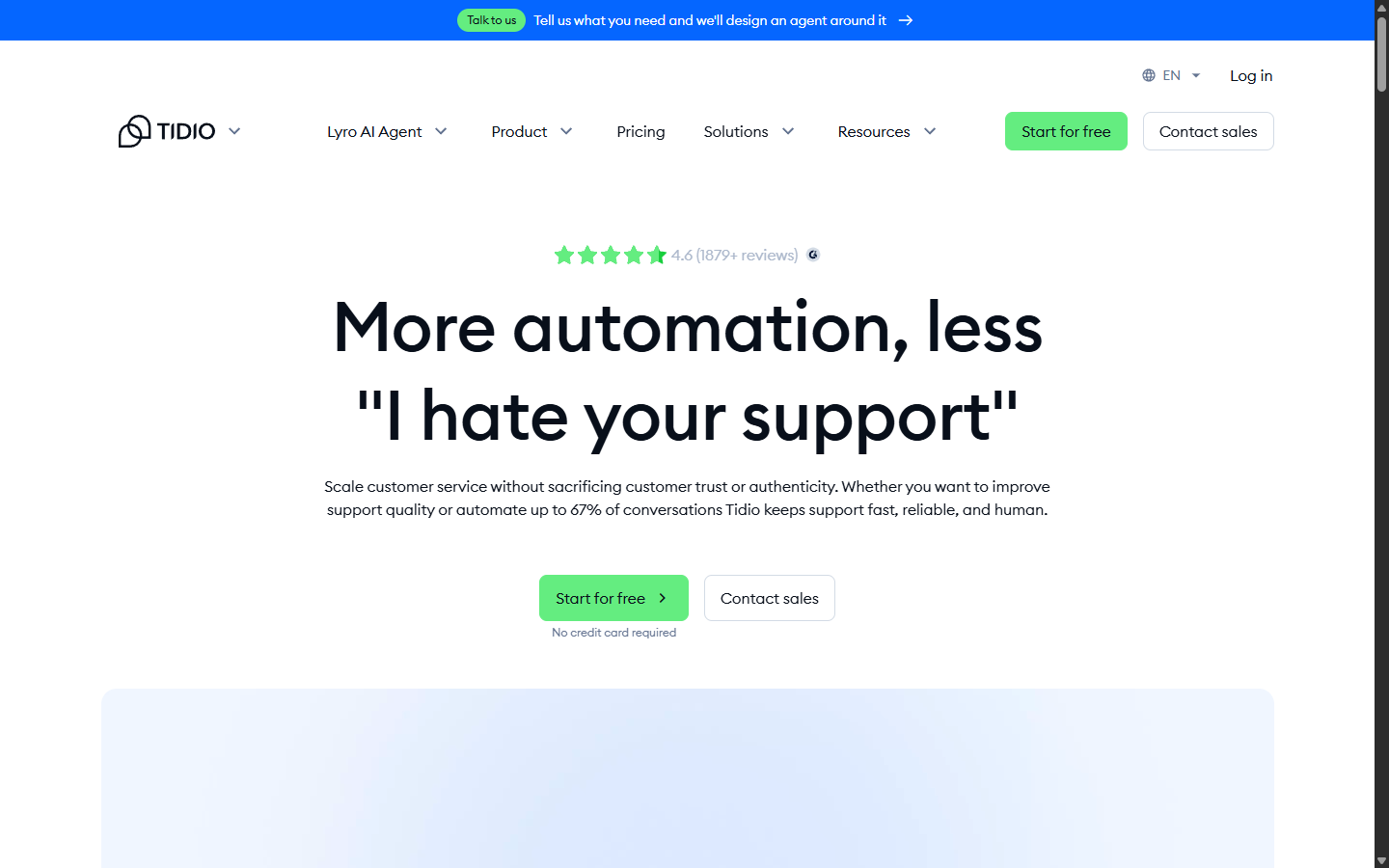
Tidio is a customer service platform built for small businesses and ecommerce teams. It combines three things in one product: live chat and ticketing, the Lyro AI agent, and a no-code automation builder called Flows.
You install a chat widget on your site (or connect it to Shopify, WordPress, WhatsApp, Messenger, or Instagram), and Tidio routes conversations to either your human agents or Lyro, depending on how you set it up.
Try Tidio free and you get 50 billable conversations plus 50 one-time Lyro AI conversations on the house, no credit card required.
Lyro AI Agent: what it does and how good it actually is
Lyro is Tidio's AI customer service agent, and it is the headline feature of the platform right now. Tidio's own numbers say Lyro resolves up to 67% of customer conversations without a human ever getting involved, which the company calls the highest self-reported resolution rate in the SMB chat segment.
Lyro trains on your own knowledge base: help docs, product FAQs, and policies, so its answers stay on-brand and specific to your business rather than generic chatbot filler. It can also execute "Smart Actions," like looking up a Shopify order status, and it hands off to a human agent automatically when a question gets too complex.
Here is what that actually looks like in practice: a real Lyro conversation answering a customer's Uber pricing question.
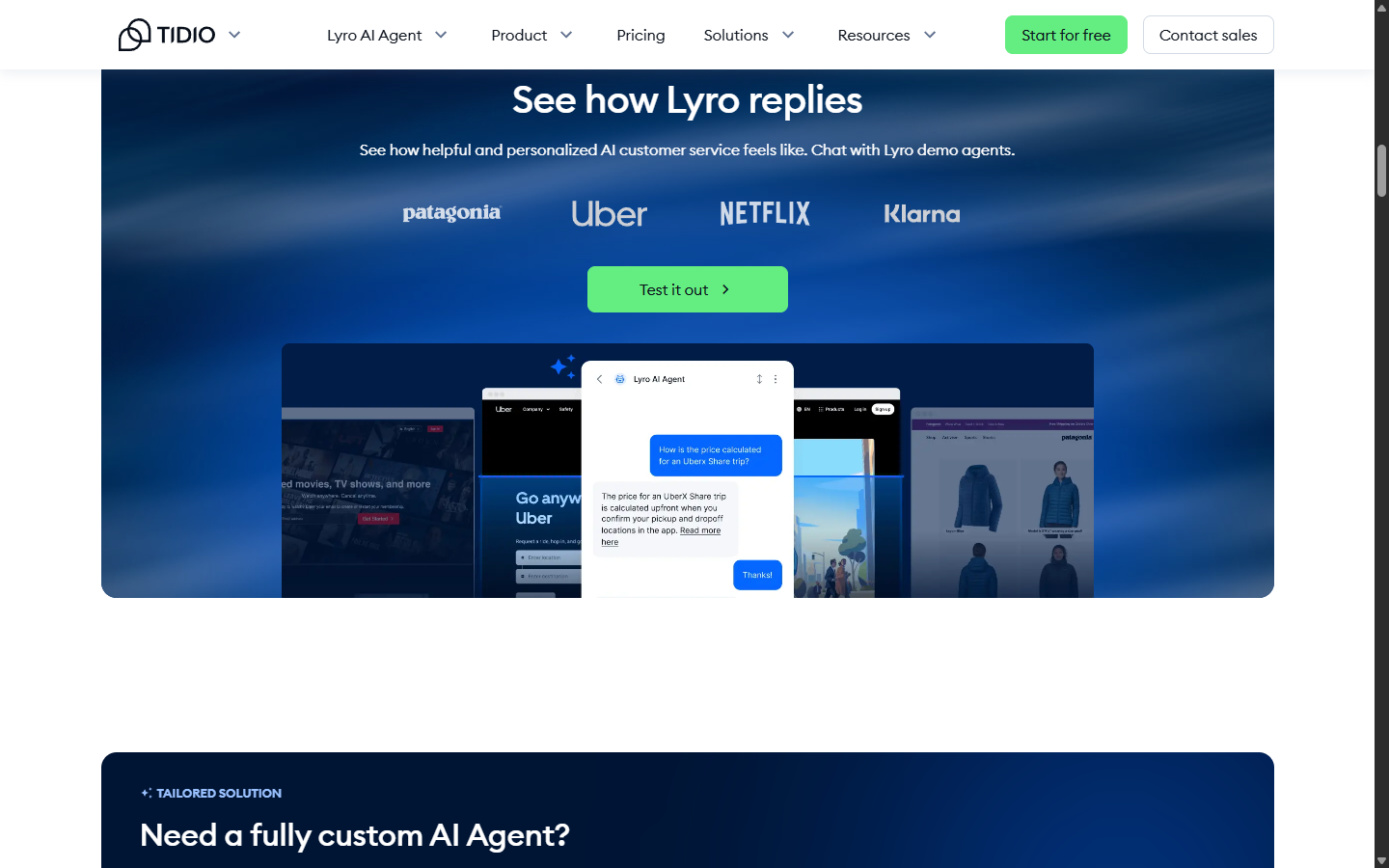
Lyro is not locked to Tidio's own chat widget either. You can deploy it as an AI layer on top of Zendesk, Salesforce, or another help desk you already use, without migrating your whole support stack over.
Tidio pricing in 2026 (this changed recently)
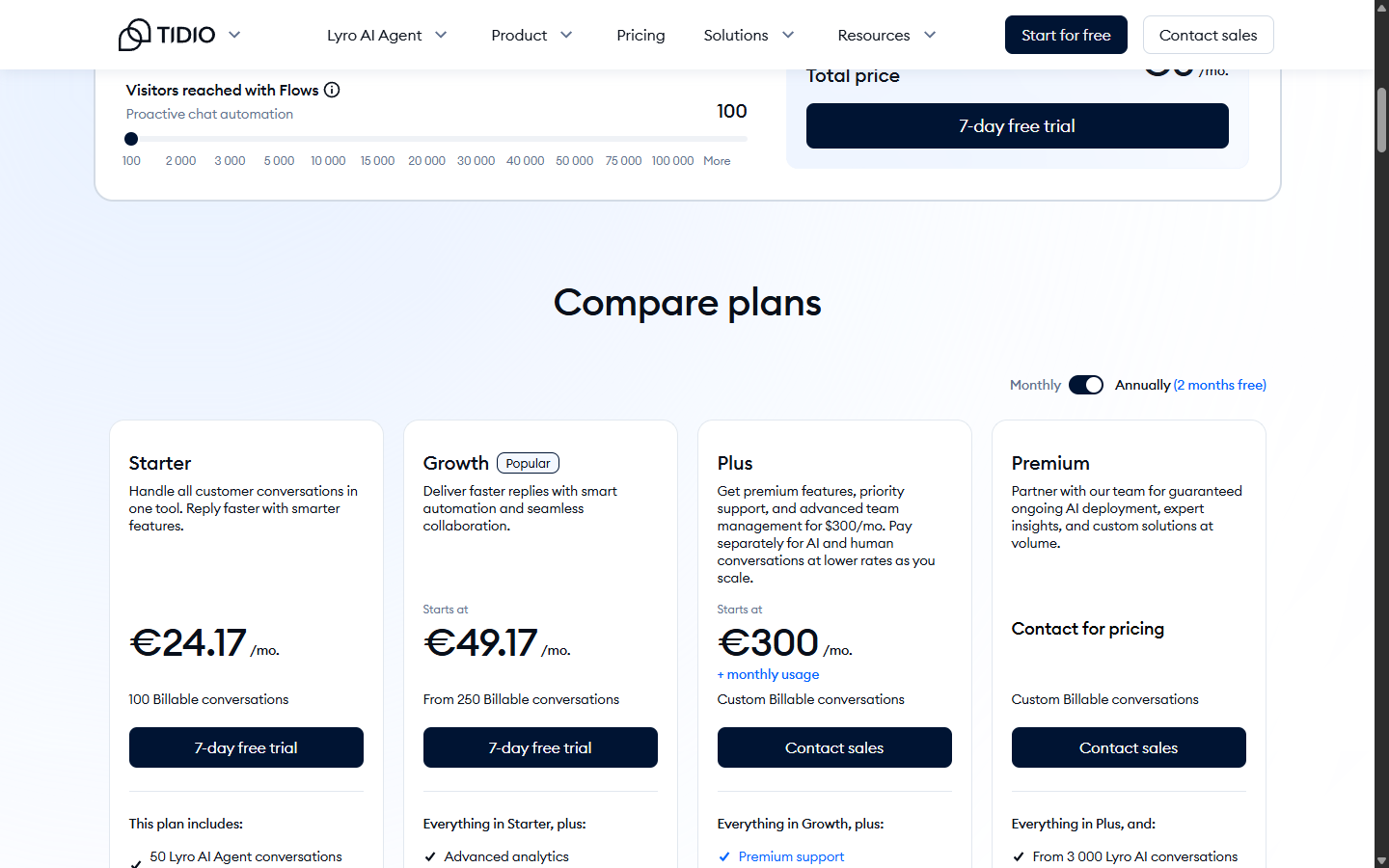
Tidio's pricing structure shifted this year, most notably on its Plus plan. Plus used to be a flat $749/mo and is now a lower $300/mo base fee plus usage-based conversation pricing on top. Here is the full breakdown, verified directly against Tidio's live pricing page:
- Free: $0/mo, 50 billable conversations, 50 one-time Lyro AI conversations, no credit card required.
- Starter: $24.17/mo, 100 billable conversations, 50 Lyro AI conversations.
- Growth: from $49.17/mo, 250+ billable conversations, advanced analytics, automatic chat assignment.
- Plus: from $300/mo plus usage, custom conversation volume, departments, custom branding, OpenAPI access, a dedicated success manager.
- Premium: custom pricing, from 3,000 Lyro AI conversations with a guaranteed 50% resolution rate, Lyro run as a fully managed service.
If you want Lyro or Flows on top of an existing plan, both are also sold as standalone add-ons. Lyro starts at $32.50/mo for 50 extra AI conversations, and Flows starts at $24.17/mo for 2,000 visitors reached. Tidio cites a 26% average conversion lift from Flows automation.
Who Tidio is actually good for
If you run a Shopify store or a small ecommerce operation and want AI-handled support without hiring a full team, Tidio is genuinely one of the more affordable ways to get there. The free plan is enough to test whether Lyro can actually handle your FAQs before you pay anything.
If you already run a help desk like Zendesk and just want AI on top of it, the standalone Lyro add-on is worth a look instead of switching platforms entirely.
Where it gets less compelling: the metered-conversation model means active stores can burn through Starter or Growth limits fast during a promotion, and the step up to Plus (even at the new, lower entry price) adds a usage-based cost that is harder to predict than a flat fee. If you need deep enterprise CRM features, look at Intercom or Zendesk instead.
Try Tidio
Tidio's free plan takes about five minutes to set up and does not require a credit card. Start your free Tidio trial here if you want to see whether Lyro can actually handle your support volume.
For the full feature breakdown, current quick facts, and how Tidio stacks up against alternatives, see our complete Tidio tool page.
Want more AI tool reviews like this? Subscribe to the My AI Guide newsletter for a weekly digest of the best tools, comparisons, and deals.
Related Tools
View all
This post may contain affiliate links. If you purchase through these links, we may earn a commission at no extra cost to you.